Course Example
Our training website uses a Learning Management System (LMS) to build courses for our staff. Unfortunately we are unable to give a live demo in this portal, but here are some screenshots of how it looks. Our Training Team will assemble the courses using your content.
Formatting
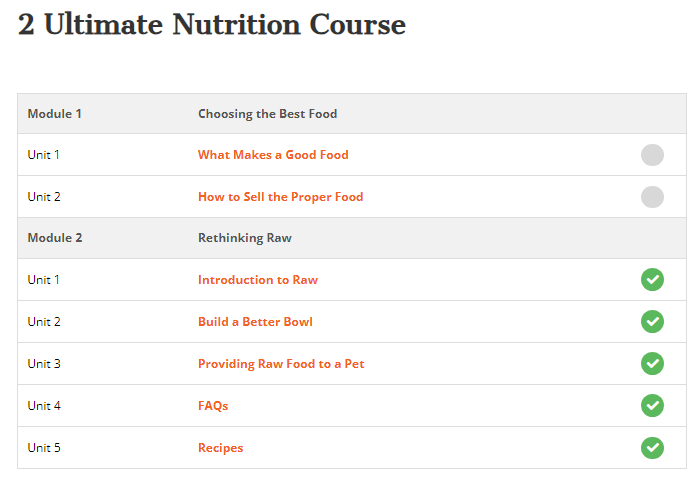
This is how the course is formatted, with units and modules to organize the material. As staff work through the course, checkmarks indicate what has been completed. Some courses force you to complete units in linear order, while others (like this example) allow you to jump to whichever unit you would like to learn about.
Units
Units can be formatted similar to posts using videos, pdfs, or stylized text content. See the examples below.

This example shows a a video used in a unit.
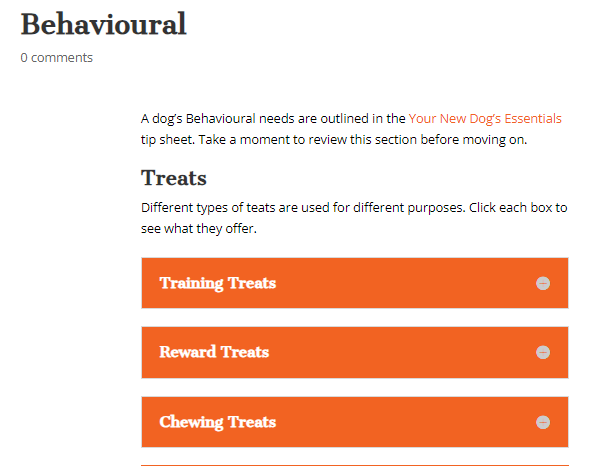
This example has stylized text using drop down text boxes to show information.
Quiz
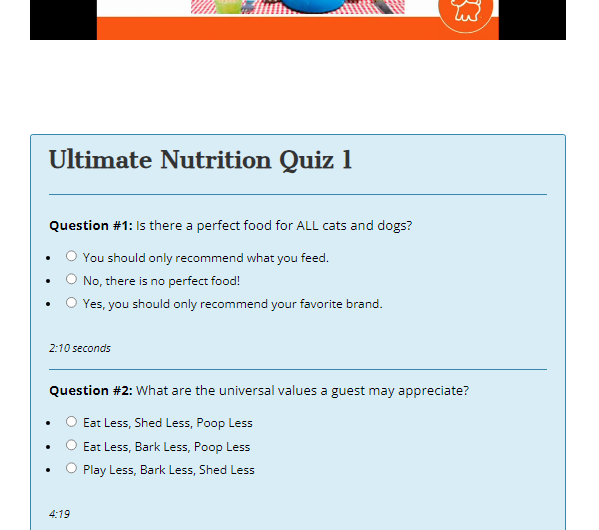
Quizzes can be added to the end of each unit, each module, or end of course. The choice is yours! Quizzes are how we see how many people complete the course, as there is a database on the backend that shows the number of staff who completed it. This database can be exported and given to you for your internal use.
Question types include multiple choice, true false, and short answer.
It is best if your team provides the quiz questions and answers and we will add it to the course.